






Basic
$9.90 USD / month
Billed monthly
Save 40.4% with yearly billing
200 credits each month
Up to 40 1K images or SVGs per month
Or up to 20 GIFs per month
gptimage26gen
GPT Image 2.6 turns one prompt into a photo-real image, a looping GIF or a crisp SVG vector — online, in seconds, with OpenAI's new Flare and Sunburst models
Default settings
Default settings
Default settings
Sign in to generate with GPT Image 2.6 and review your credit quote.
Sign in to generateThis model and format are not available for generation yet.
Sign-in has not been configured for this workspace.
HelpSelect Image for a still, GIF for a loop, or SVG for a vector. Describe the subject and style, then choose a model and the settings for that format.
Sign in and select Generate to see the credit cost. Select Confirm generation to submit the task.
The task page shows generation progress. When the result is ready, preview it and select Download original.
MODEL HIGHLIGHTS
Explore image, animation and vector workflows. The generator shows which model and format combinations are currently available.
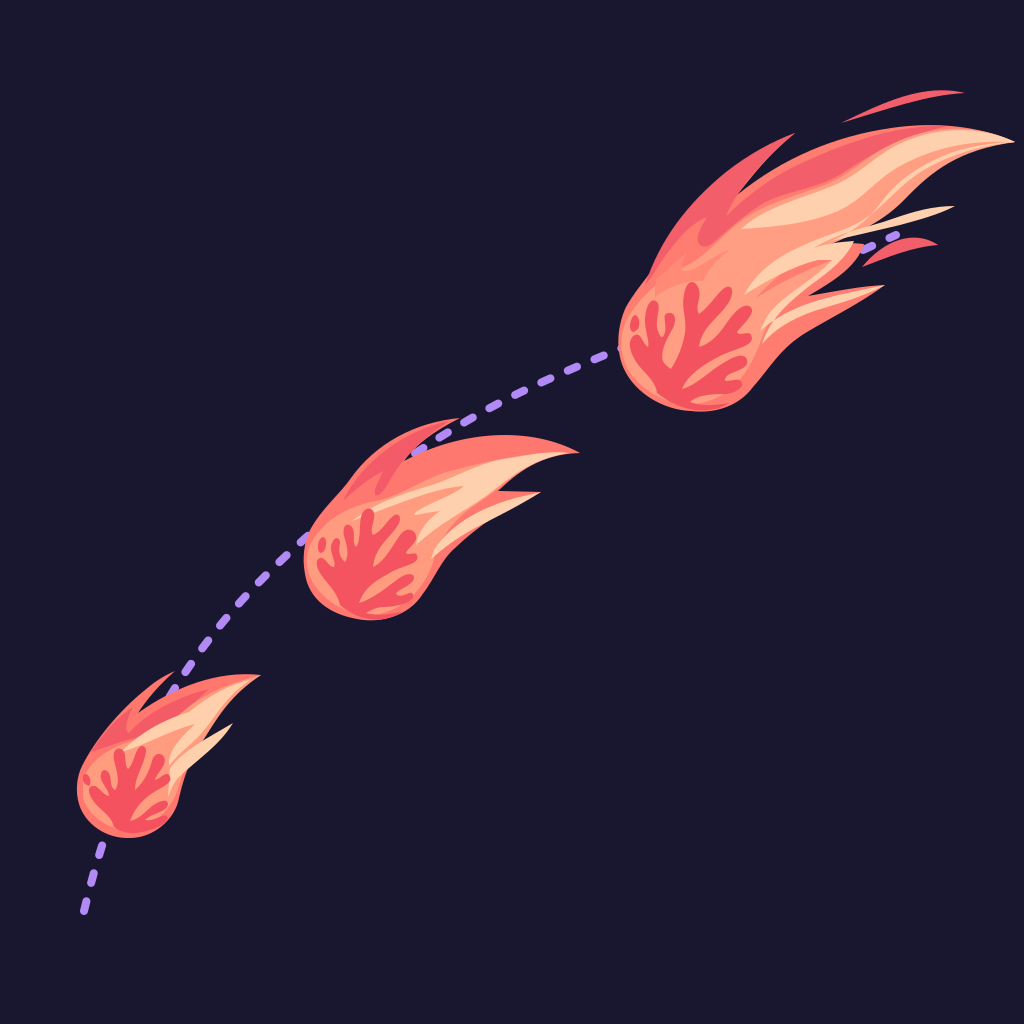
Read the release breakdownDescribe a motion loop. Each GIF uses 9 frames at 200 ms per frame.
Create scalable artwork for icons, logos and illustrations. Download the SVG or prepare a PNG preview.
Reuse a saved reference image and draw on a separate markup layer to guide an edit.
Choose Flare for drafting and iteration or Sunburst for more detailed visual work.
CREATIVE USE CASES
Explore everyday visual work for marketing, content and product teams, from a studio-style product photo to a looping mascot or a scalable brand mark.
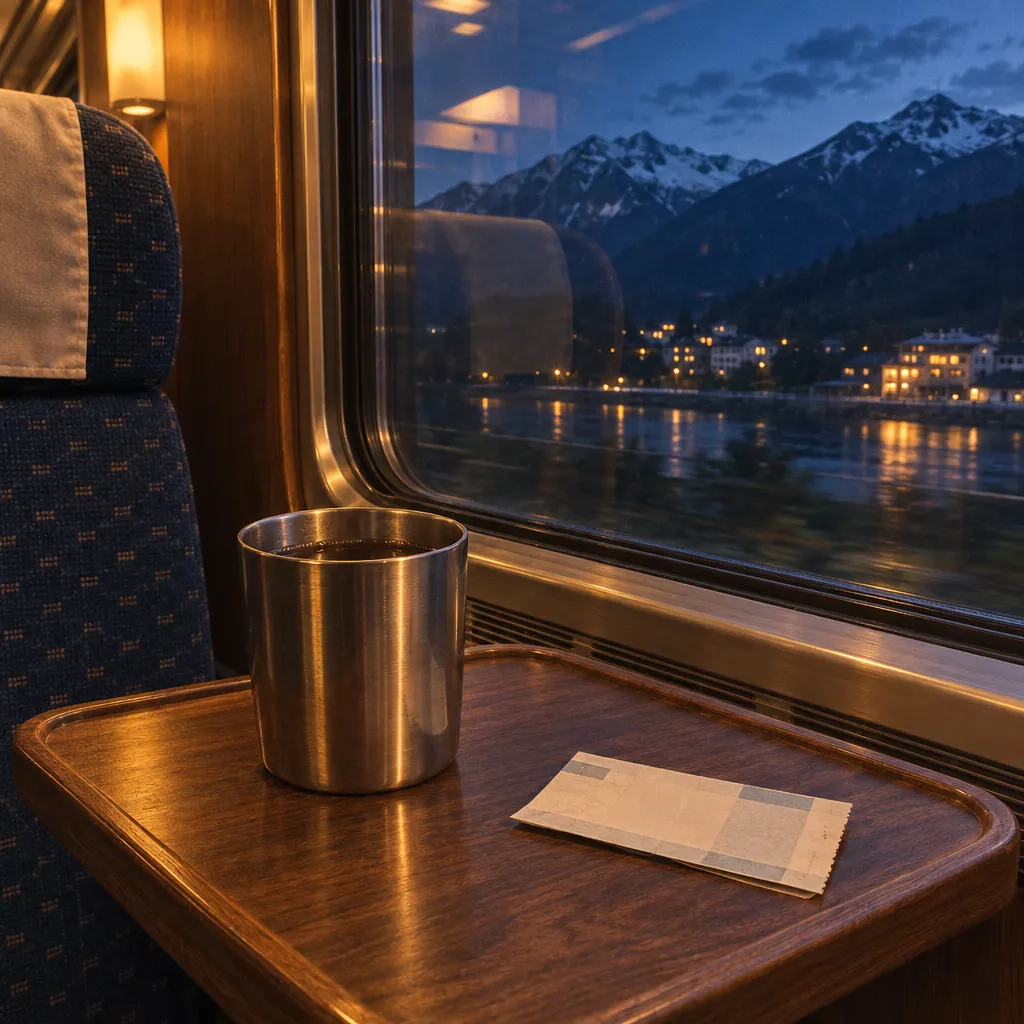
Plan studio-style shots with clean backgrounds and consistent lighting. Use the same reference for a series of product angles and edits.
Try headline placement, color palettes and compositions for campaign graphics. Check spelling and spacing before publishing.
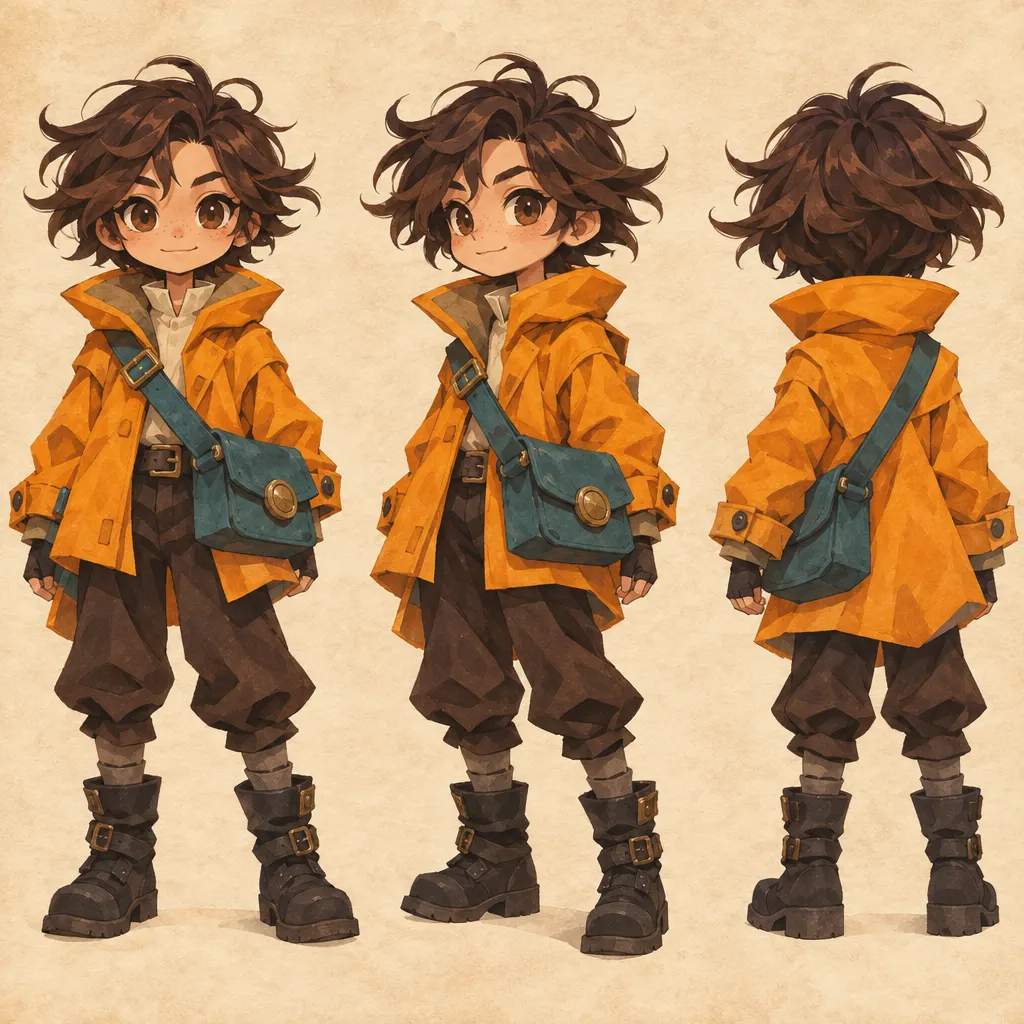
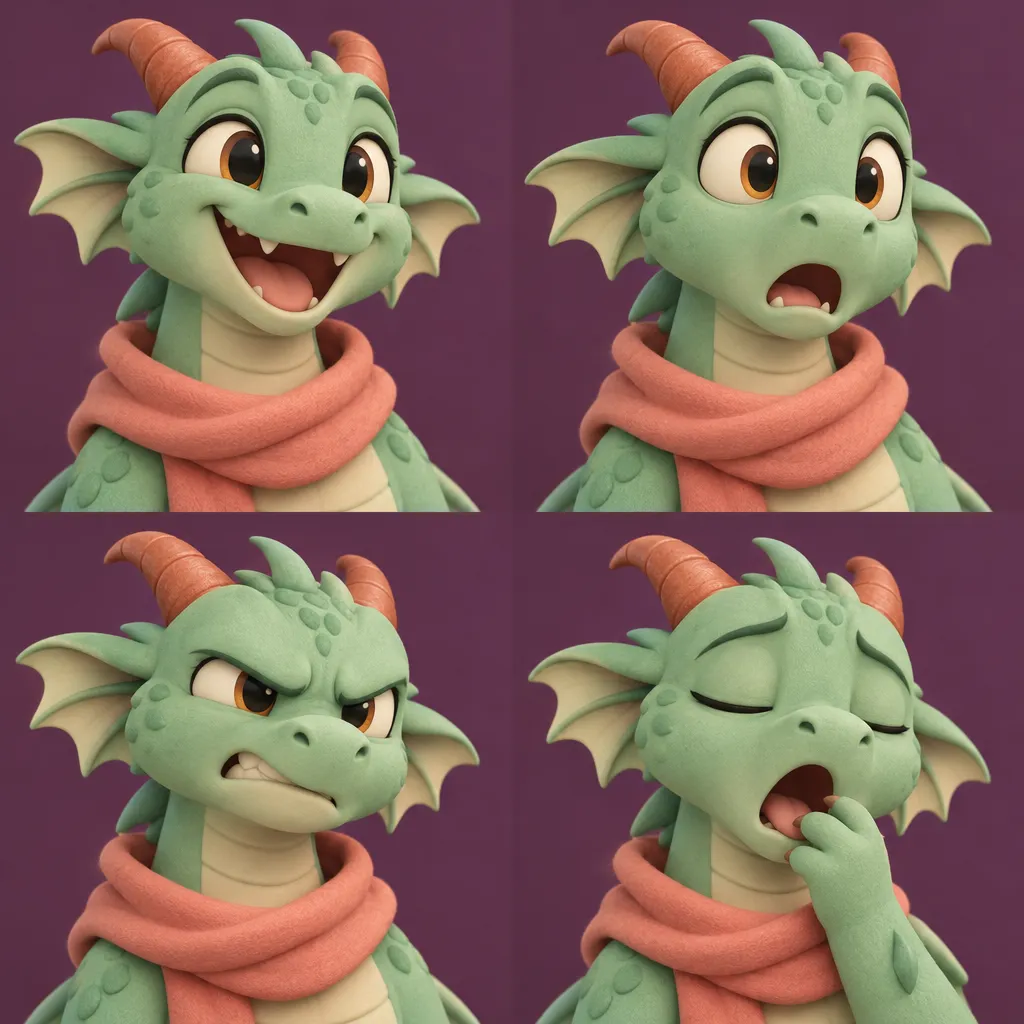
Give a character one clear action, such as a wave or a cheer. Describe how it returns to its opening pose for a short GIF loop.
Storyboard a rotating sneaker or a pouring drink as a short GIF. Keep the framing fixed so the motion is easy to follow.
Use SVG for flat designs that need to scale from a small interface icon to large signage. Review the vector paths in your design tool.
Make illustrations for landing pages or test a character’s movement in a short animated storyboard before video production.
MODEL COMPARISON
GPT Image 2 produces still images such as PNG, JPEG and WebP. GPT Image 2.6 adds animated GIF and static SVG output, so you can start a motion loop or a vector design directly from a prompt.
GPT Image 2.6 offers Flare for fast iteration and Sunburst for detailed visual work. Markup gives an edit a visual cue about where to focus, and reviewing the whole result helps catch unintended changes.
OpenAI reports 50% faster image generation for Images 2.6 and says Flare can return a low-quality image in as little as six seconds. Actual generation time varies by request and queue.
OpenAI release announcementUse Flare to explore ideas quickly and Sunburst when fine detail or consistency across edits matters.
For quick drafts
For detailed finishes
PRICING
1K images and SVGs cost 5 credits each. GIFs and 2K images cost 10 credits each.
$9.90 USD / month
Billed monthly
Save 40.4% with yearly billing
200 credits each month
Up to 40 1K images or SVGs per month
Or up to 20 GIFs per month
$19.90 USD / month
Billed monthly
Save 40.2% with yearly billing
500 credits each month
Up to 100 1K images or SVGs per month
Or up to 50 GIFs per month
$49.90 USD / month
Billed monthly
Save 40.1% with yearly billing
1,500 credits each month
Up to 300 1K images or SVGs per month
Or up to 150 GIFs or 2K images per month
$5.90 USD / month
$70.80 USD billed yearly
Save 40.4% with yearly billing
200 credits each month
Up to 40 1K images or SVGs per month
Or up to 20 GIFs per month
$11.90 USD / month
$142.80 USD billed yearly
Save 40.2% with yearly billing
500 credits each month
Up to 100 1K images or SVGs per month
Or up to 50 GIFs per month
$29.90 USD / month
$358.80 USD billed yearly
Save 40.1% with yearly billing
1,500 credits each month
Up to 300 1K images or SVGs per month
Or up to 150 GIFs or 2K images per month
Formats share the same monthly credits. Each maximum assumes you spend them on one format. 2K is available on Max with supported settings.
FAQ
GPT Image 2.6 is OpenAI’s image generation and editing model family. It includes Flare and Sunburst and supports still images, animated GIFs and SVG vectors.
Yes. Select GIF in the generator and describe the motion and how it should loop. Check the selected model’s availability and preview the timing before downloading.
Yes. When SVG generation is available for your selected model, choose SVG and describe the shapes and colors you want. The result is a scalable vector file.
Use Flare to explore ideas quickly and Sunburst when fine detail or consistency across edits matters.
Try one 1K image or one SVG without signing in. The free trial covers 5 credits and can be used once. Sign in for GIFs or to generate again.